

Black Friday came early. Early-access prices until Nov 8.Black Friday: early-access prices until Nov 8.Early-access price ends in0d00h00m00sClaim the deal


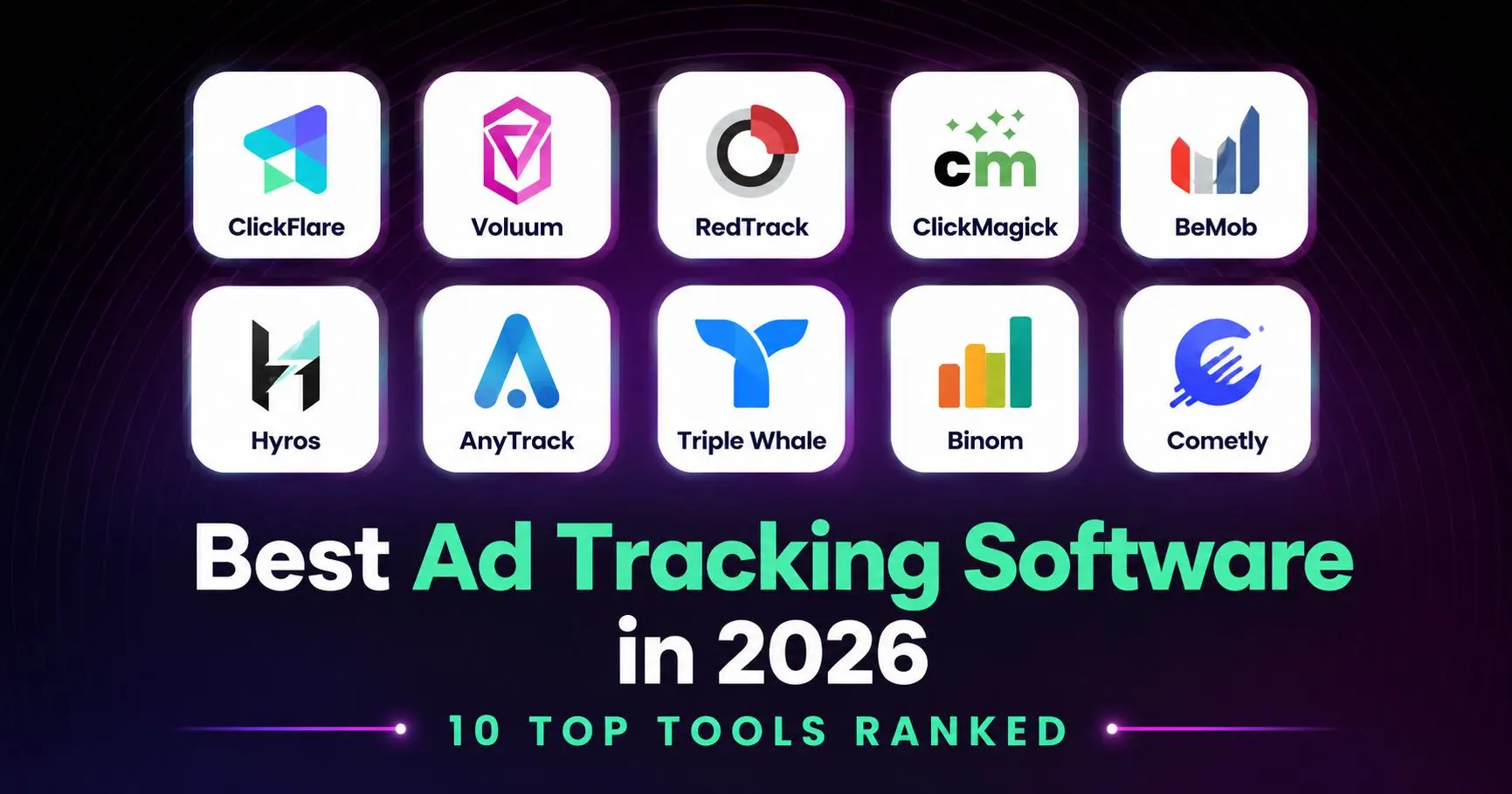

If you're running paid traffic across more than one ad network, you already know the problem: your numbers never match. Meta says one thing, your affiliate network says another, and you need to manually switch between platforms. That's why finding the best ad tracking software for your setup matters more than most marketers realize. It's the difference between guessing and actually knowing which campaigns make you money.
In this guide, we're breaking down the 10 best ad tracking tools on the market in 2026, what each one is actually good at, what it costs, and who it's really built for to help you pick the right one.
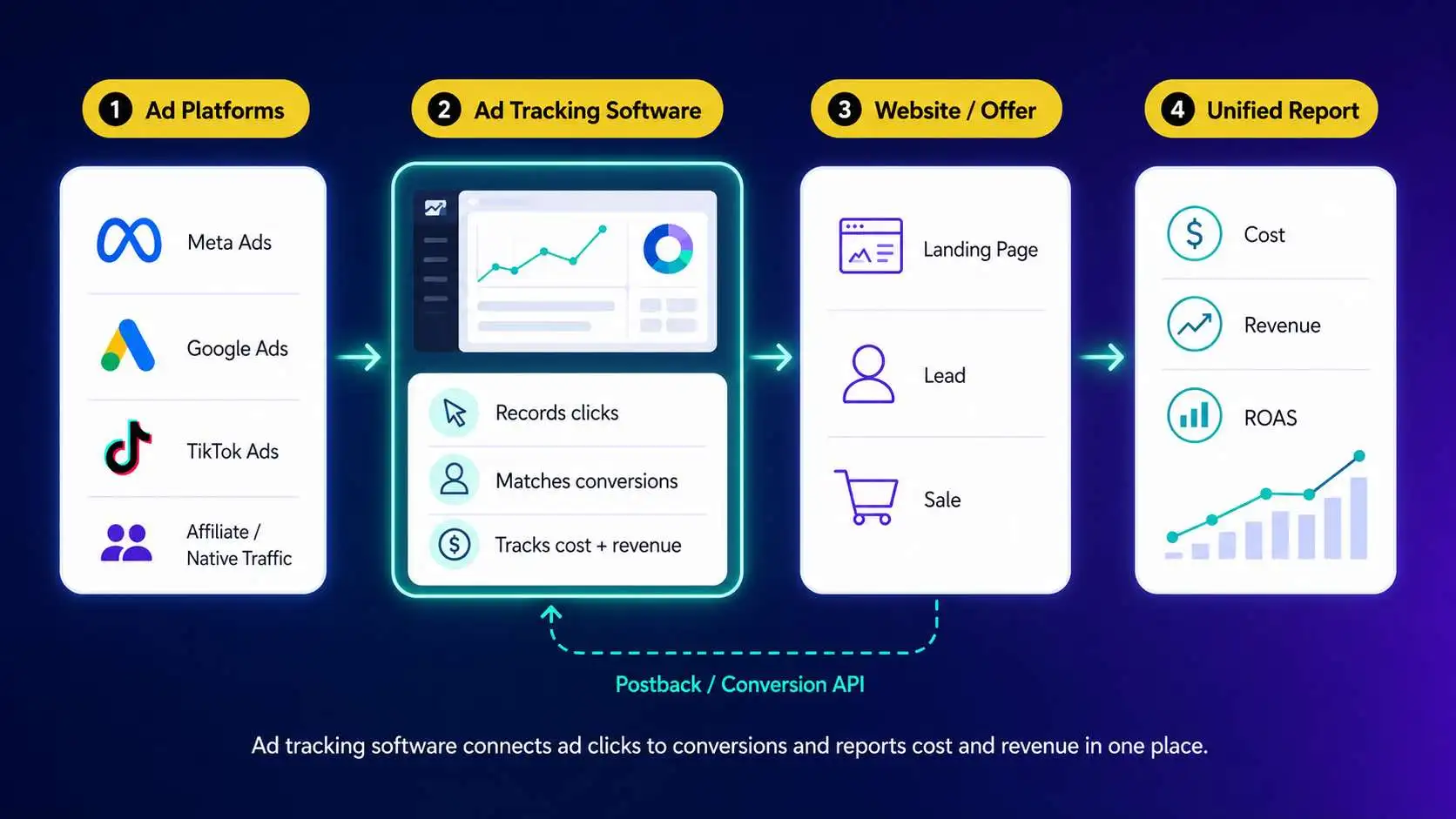
Ad tracking software sits between your ad platforms and your actual results. It records every click, connects it to a conversion (a sale, a lead, a call), and reports back on what that click cost you and what it earned you, all in one place.
Without it, you're left stitching together numbers from Meta Ads Manager, Google Ads, your affiliate network, and maybe a spreadsheet, and hoping they all match. They usually don't.
Global digital ad spend has grown every year for over a decade, and most of that budget flows through platforms that don't integrate by default. That's exactly the gap ad tracking software is built to close. It's also becoming more important as third-party cookies get phased out across major browsers, pushing more tracking toward server-side methods like postbacks and conversion APIs.
We evaluated each tool based on five things: accuracy of tracking (including server-side/postback support), depth of integrations with ad networks and affiliate platforms, reporting and optimization features, pricing transparency, and ease of setup. We also looked at real user feedback and how each tool performs at scale, not just on paper.
Here's how the 10 tools in this guide compare before we break each one down individually. Pricing, integration counts, and support options change often, so treat this as a starting point and confirm details directly with each provider.
*The pricing range above is based on monthly plans. Most ad tracking software offers discounted annual plans. Pricing changes frequently, so make sure to always confirm them directly on each provider's pricing page before purchasing.
ClickFlare is built specifically for affiliate marketers, media buyers, and agencies who need accurate, real-time tracking across multiple ad networks and affiliate programs.
The main feature that sets ClickFlare apart is the large number of direct integrations with platforms such as Meta, Google Ads, TikTok, LinkedIn, Reddit, Pinterest, NewsBreak, Taboola, Outbrain, Microsoft Bing and more. These integrations help marketers improve their ad performance by firing accurate conversion data directly to their ad pixel. The flexible Conversion API allows performance marketers to fire multiple events, as well as select event filters to control the quality of conversions being sent to your ad platforms.
You can also pull cost across all campaign levels for these platforms.
ClickFlare also has over 200 ready-made tracking templates for affiliate networks such as ClickBank, ClickDealer, Everflow, MarketCall, GiddyUp, and many more.
These provide accurate revenue tracking.
ClickFlare's other standout feature is its built-in AI copilot. It can analyze your campaign data and spot patterns, create visual reports, as well as help you with strategy based on your top performing ads.
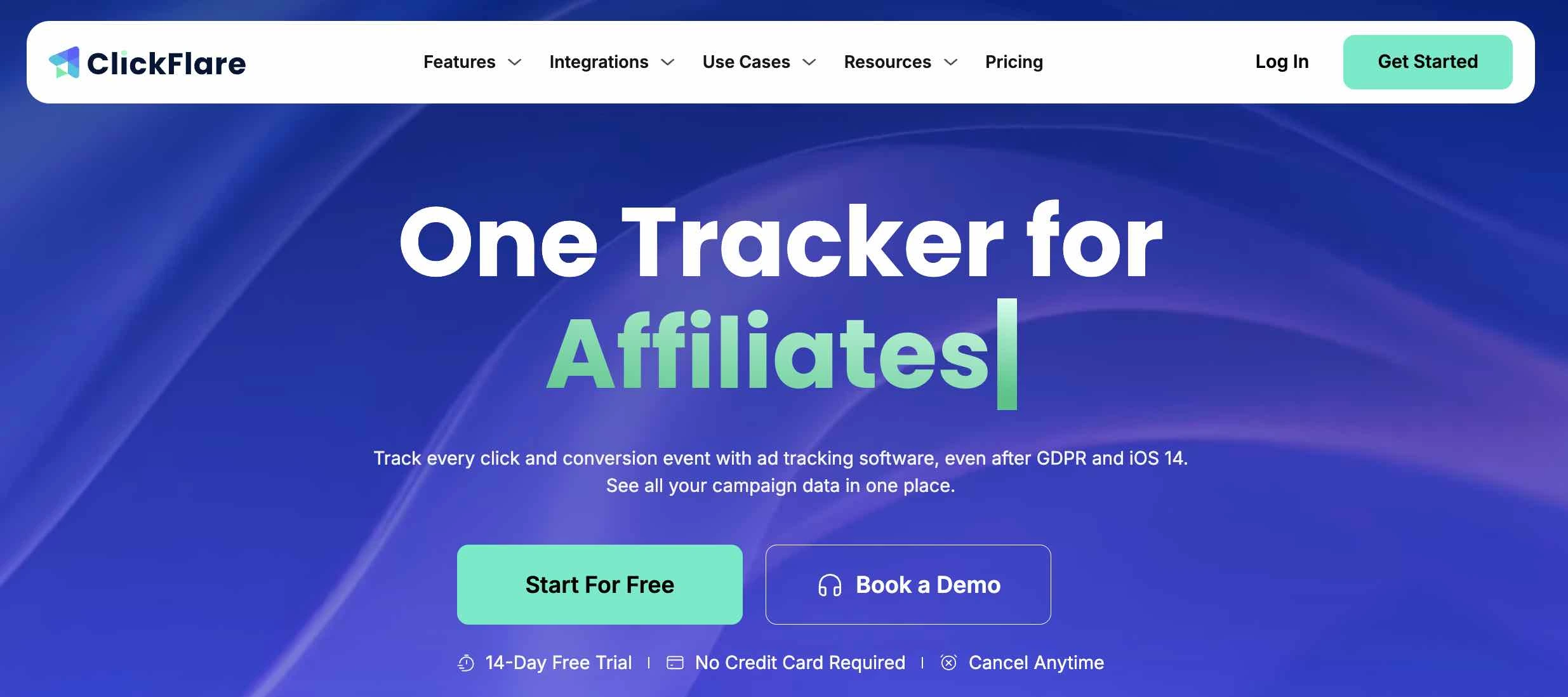
Pricing: ClickFlare offers 6 different pricing plans in total: 3 affordable individual plans, and 3 organization plans for larger companies. The core features, such as Conversion API, integrations, AI copilot, Tag Manager and more, are available across all plans. The main difference between plans is the number of monthly events or integrations you can have per each plan.
See our best affiliate tracking software comparison for how it stacks up feature-for-feature against other affiliate-focused trackers. Pros:
Cons:
Voluum is one of the longest-standing names in ad tracking, popular with high-volume media buyers running native, push, and pop traffic.
Voluum's AI-based traffic distribution automatically shifts spend toward better-performing offers and landing pages.
It also offers strong reporting depth for teams managing large campaign volumes.
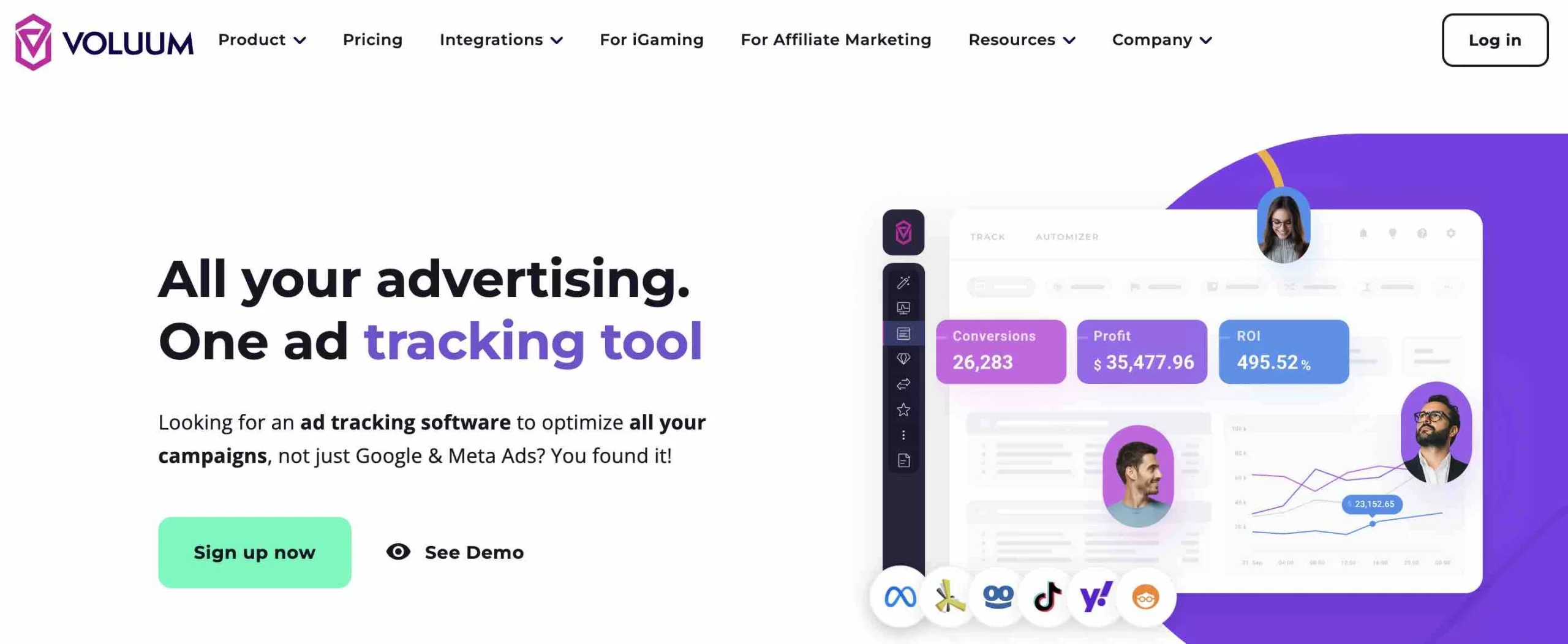
Pricing: Voluum offers 7 different pricing plans, and it is currently one of the priciest tracking software in the market. Similar to ClickFlare, the pricing plans are mostly determined based on the monthly number of events tracked, but certain crucial features, such as the Conversion API, are only available on higher plans (starting from $1,999).
See our breakdown of Voluum alternatives if you're evaluating whether it's the right fit for your budget. Pros:
Cons:
RedTrack is a strong choice for affiliate marketers and agencies who prioritize server-side tracking accuracy.
Similar to ClickFlare, RedTrack supports both S2S (server-to-server) tracking as well as direct API integrations.
Pricing: While RedTrack offers more affordable pricing plans than Voluum, several features are locked behind add-ons (which come with extra fees). Read our full ClickFlare vs. RedTrack comparison for a feature-by-feature look.
Pros:
Cons:
BeMob can be a good starting point for new affiliates, thanks to its free tier and straightforward setup.
BeMob keeps things simple without stripping out the essentials: click tracking, basic postback support, and enough reporting to get started without a big financial commitment.
Pricing: Free plan available for low volumes, with 3 paid tiers. Pros:
Cons:
ClickMagick has built a loyal following among small-sized affiliate marketers who want a straightforward click tracker with solid anti-fraud tools.
Beyond basic click and conversion tracking, ClickMagick's split-testing and retargeting pixel features are useful for marketers optimizing landing pages and funnels.
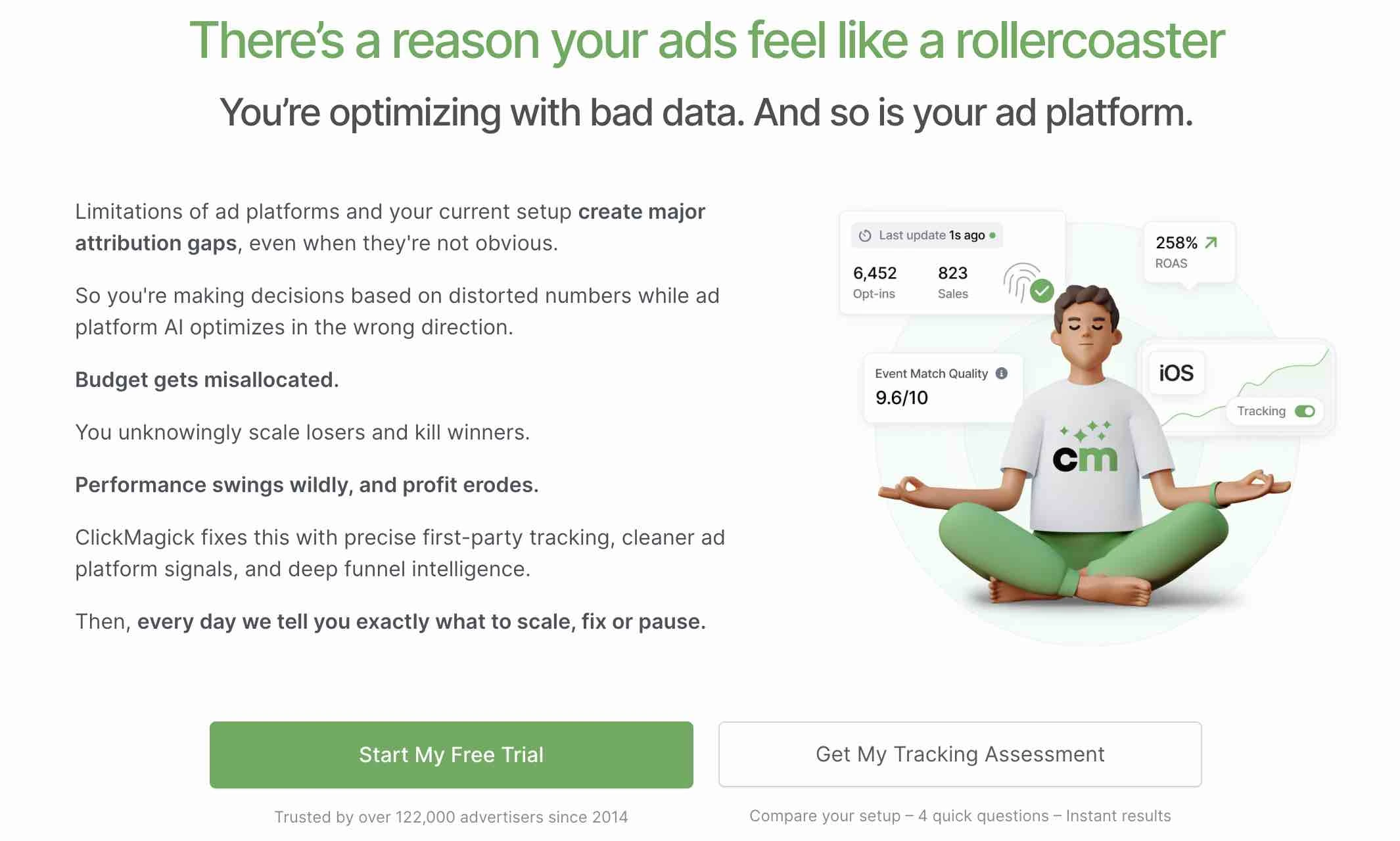
Pricing: ClickMagick offers 3 pricing plans, with the main driving factor for higher plans being tracked visitors per month.
Pros:
Cons:
Hyros positions itself less as a click tracker and more as an attribution engine built to feed better data back into ad platforms for optimization.
Hyros is popular with high-ticket coaches, course creators, and advertisers who rely heavily on Meta and Google's own optimization algorithms and want to make sure those platforms are learning from accurate conversion data, not delayed or incomplete signals.
Pricing: Different from other trackers we've covered so far, Hyros uses revenue per month (rather than tracked events per month) to determine your monthly fee. Typically positioned toward larger ad spend budgets rather than solo affiliates.
Pros:
Cons:
AnyTrack markets itself as a bridge between ecommerce, affiliate marketing, and ad platform tracking, with an emphasis on quick, one-click integrations.
AnyTrack's setup process is fast for common use cases like connecting Shopify or a landing page builder to your ad accounts and affiliate networks.
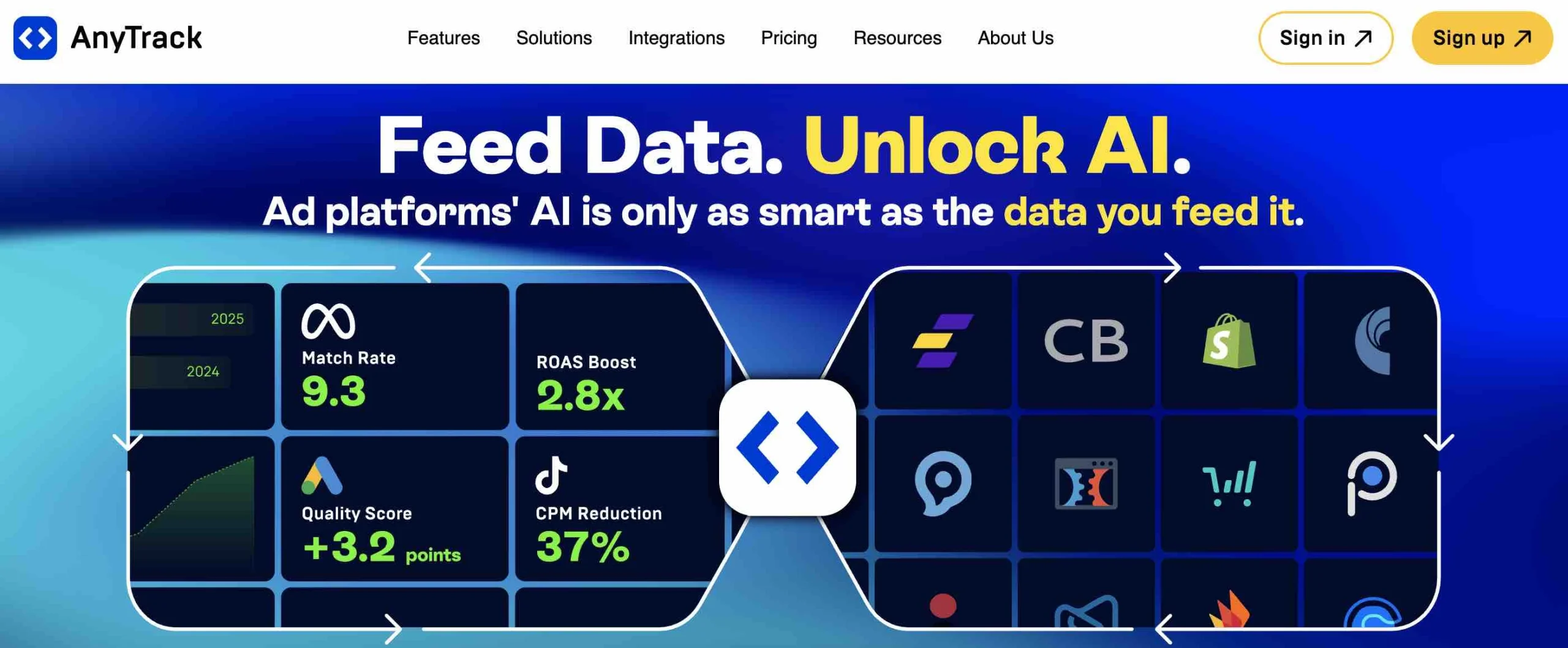
Pricing: AnyTrack offers 3 different pricing plans, with paid tiers scaling by tracked events.
Pros:
Cons:
Triple Whale is built specifically for ecommerce brands trying to understand true attribution across paid channels, not affiliate or media-buying traffic. Its dashboards are designed around ecommerce metrics like blended ROAS, customer LTV, and creative-level performance, pulling data directly from platforms like Shopify.
Pricing: Triple Whale offers a free plan, as well as 2 paid plans (with custom plans available on request).
Pros:
Cons:
Binom is a self-hosted tracker built for high-volume affiliates and media buyers who want unlimited click tracking without paying more as their traffic grows.
Because it's self-hosted (you install it on your own server), Binom charges a flat fee regardless of click volume, which makes it one of the most cost-efficient options here for anyone running serious traffic.
It's built for speed, with reporting designed to handle millions of clicks without slowing down.
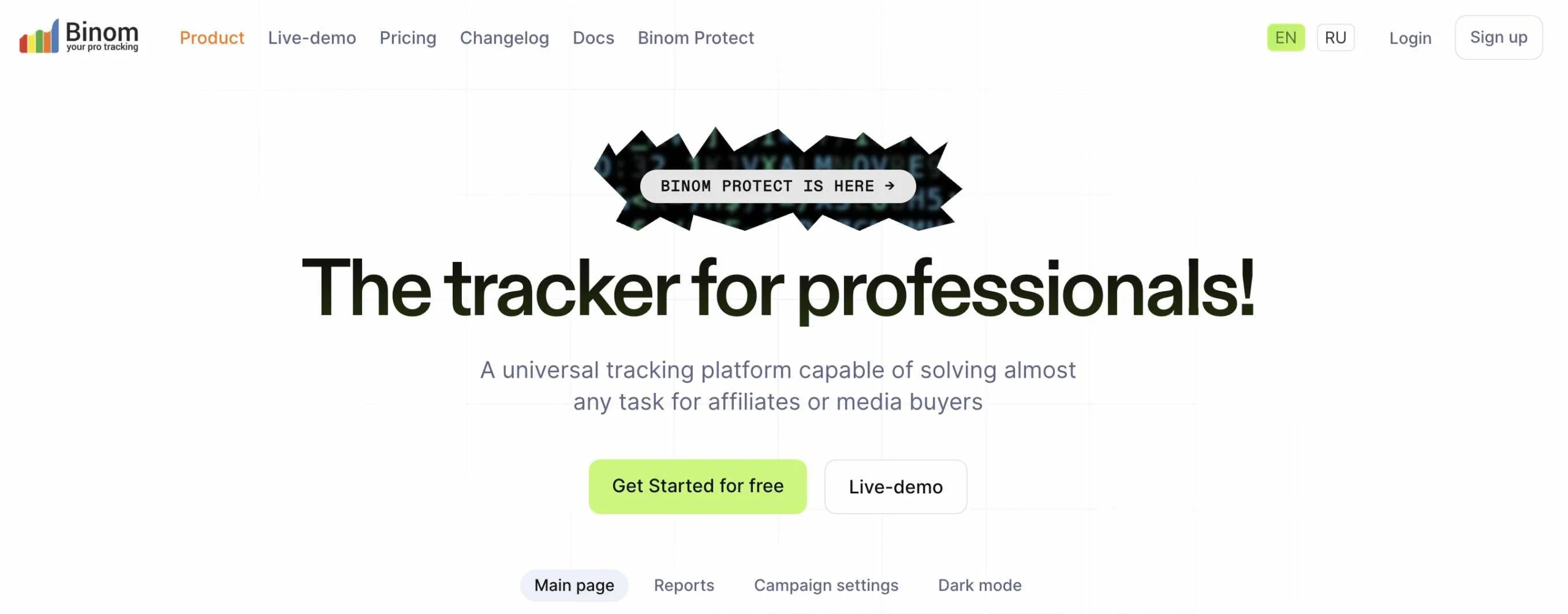
Pricing: Binom started mainly as a self-hosted tracker, but now they also offer a Binom Cloud version for $299.
They also have a separate plan only focused on protecting against boys, spy services, and crawlers at $69.
Pros:
Cons:
Cometly focuses on tying ad performance data directly to CRM and sales outcomes, aimed at ecommerce and lead-gen businesses that want to see revenue, not just conversions.
Cometly's integration with CRM and sales platforms lets teams see which ad spend actually turned into closed revenue, not just form fills or add-to-carts.
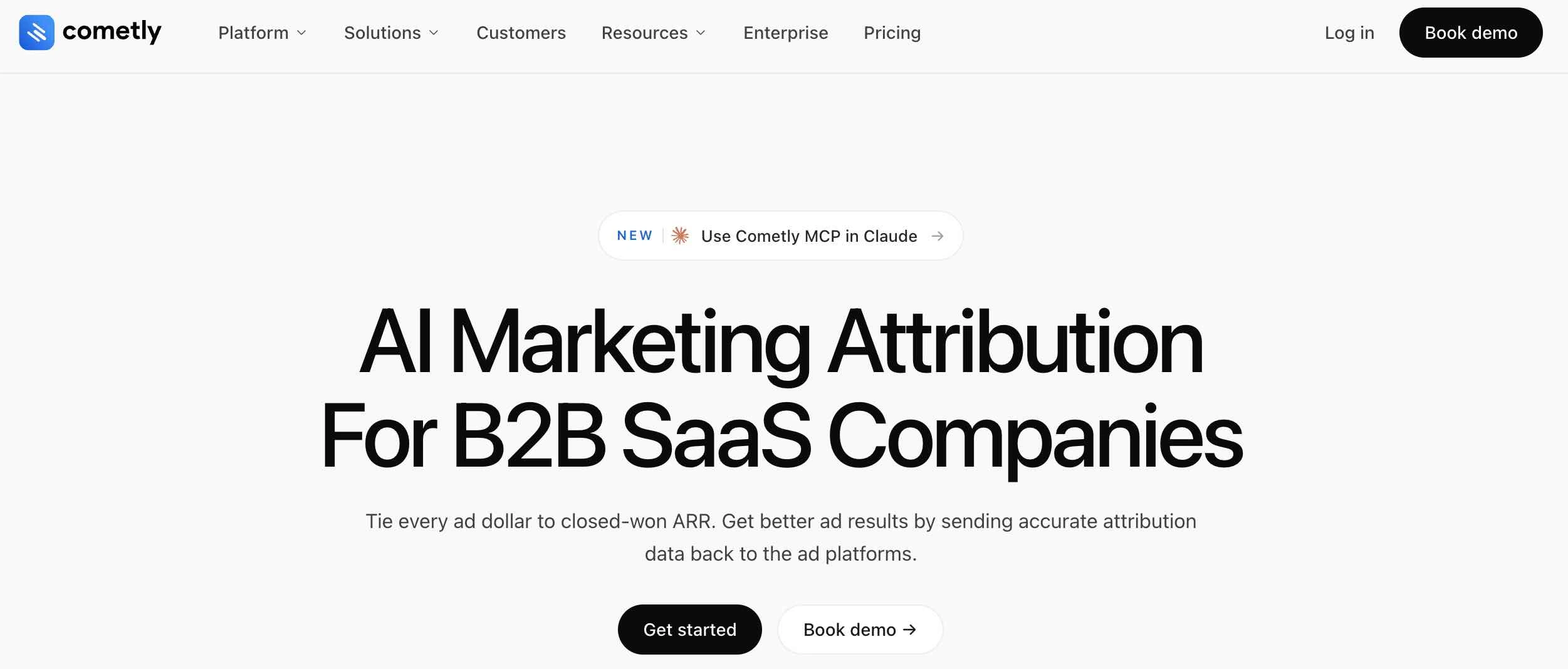
Pricing: Different from all the other ad tracking software on this list, Cometly does not have a fixed pricing structure.
Instead, they use a usage-based pricing strategy with two separate plans for teams and enterprises.
Pros:
Cons:
Prioritize tools with strong postback/server-side tracking and deep affiliate network integrations. Real-time cost tracking matters here too, since you're often optimizing spend across several networks at once. ClickFlare, Voluum, RedTrack, BeMob, ClickMagick, and Binom (if you're comfortable self-hosting and want flat pricing at high volume) are all built with this use case in mind.
Look for attribution platforms with native Shopify (or equivalent) integrations and ROAS-focused reporting. Triple Whale and Cometly are built specifically for this. If you are running paid ads to your Shopify store and acting as a media buyer, ClickFlare is a good option with its ad network and Shopify tracking solutions.
Prioritize tools with workspace/team management features and flexible reporting you can white-label or export for client reporting. ClickFlare and RedTrack both support multi-workspace setups well.
Even with the right tool, a few mistakes come up again and again:
Choosing the best ad tracking software isn't about picking the tool with the most features, it's about picking the one that matches how you actually run campaigns.
If you're an affiliate marketer or media buyer juggling multiple traffic sources and networks, a dedicated tracker like ClickFlare gives you the accuracy and integrations you need without the enterprise price tag.
If you're running ecommerce ad spend, focus on platforms that provide strong attribution and can integrate with platforms like Meta and Shopify.
Whichever direction you go, the goal is the same: stop guessing which campaigns are actually profitable, and start knowing.
Look for a tool with a free trial, ready-made templates, and strong documentation. BeMob and AnyTrack are both commonly recommended starting points for marketers new to dedicated ad tracking, and ClickFlare is worth checking directly for its current onboarding options.
Yes, ad tracking is still worth it because instead of switching between your ad network and your revenue platform, you can see and manage all your data in one place.
A pixel is a single tracking mechanism, usually client-side. Ad tracking software combines pixel, server-side (postback), and API-based tracking into one system so you get a more complete and accurate picture.
Pricing varies widely, from free plans for small volume up to several thousand dollars a month for high-volume media buyers. Most tools price based on click or event volume, so confirm current plans directly with each provider.
Not exactly. GA4 is built for on-site behavior analytics. Ad tracking software is built specifically for campaign-level attribution, cost tracking, and cross-network reporting. Most teams use both together.






