



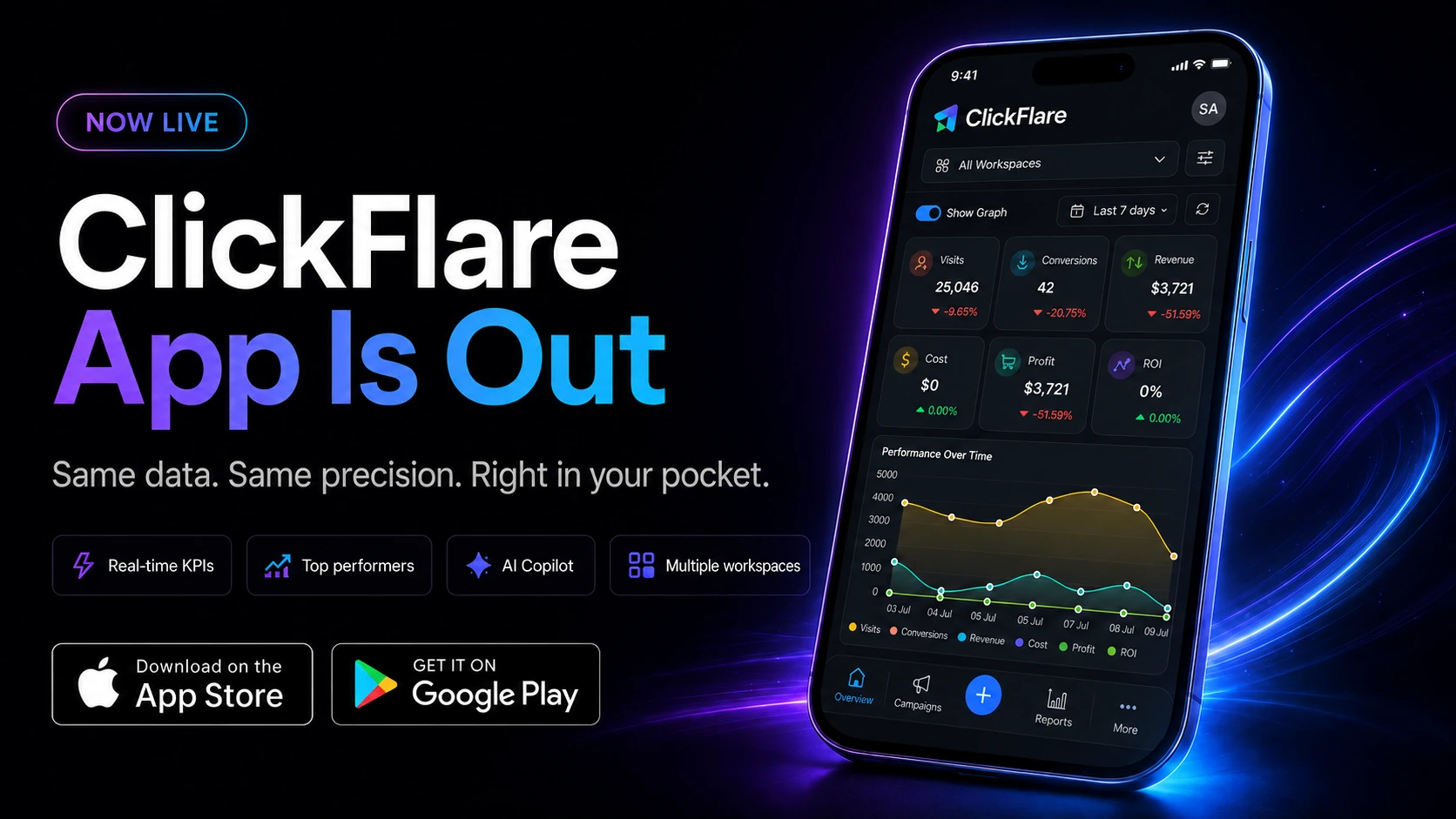

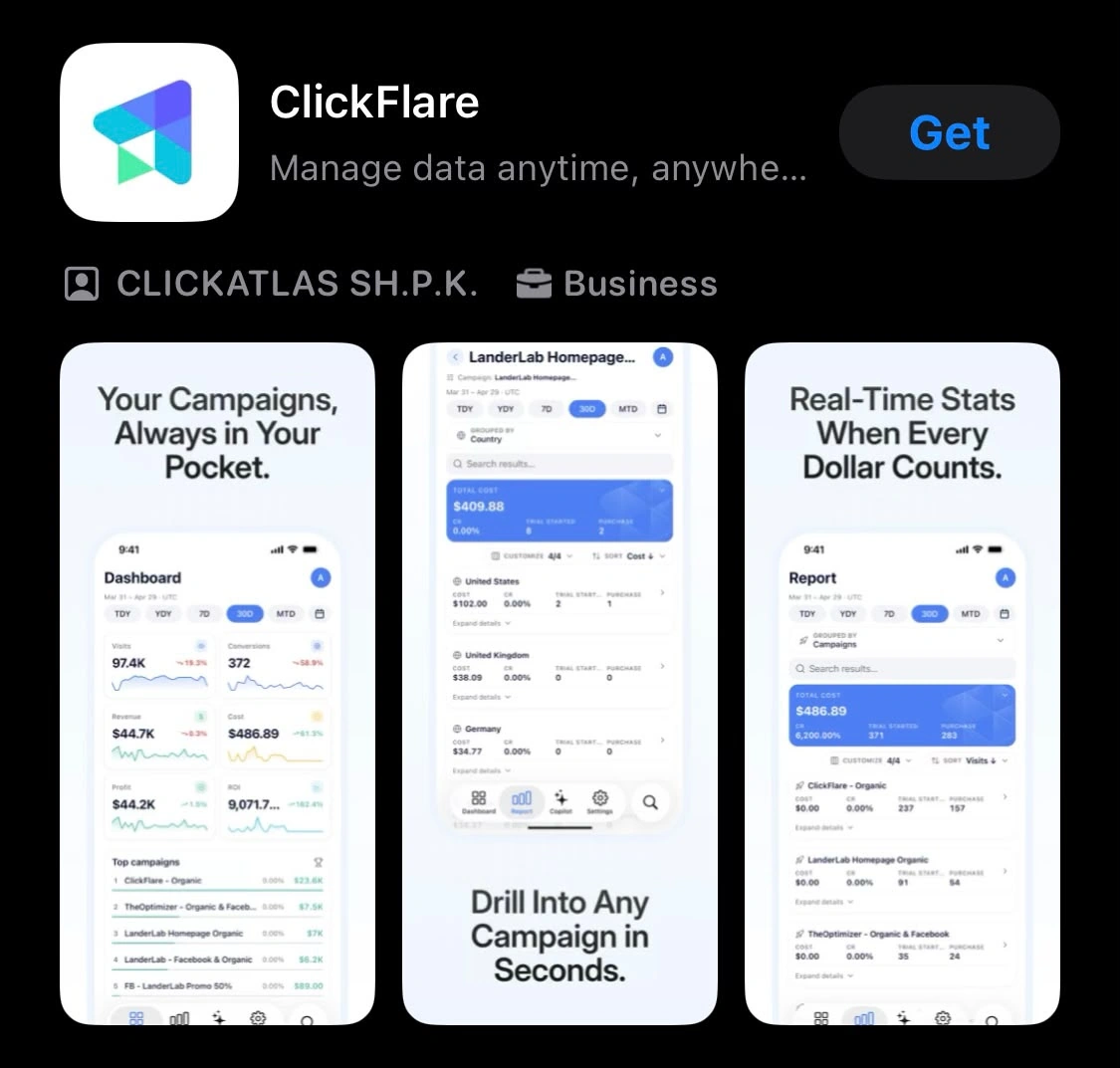
Performance marketing doesn't happen on a schedule. A campaign can spike, crash, or burn through budget while you're at lunch, in a meeting, or thirty thousand feet in the air, and until now, checking in meant waiting until you were back at your laptop. That changes today. The ClickFlare app is live on the App Store and Google Play, putting the same real-time KPIs, drill-down reports, and AI Copilot you use on desktop directly on your phone.
If you manage campaigns, offers, or a team on the move, the ClickFlare app means you're never more than a tap away from your numbers. Here's everything that's inside it, why we built it, and how to get started.
Quick Summary
Media buyers and affiliates don't run one campaign at a time, and they definitely don't run them on a nine-to-five schedule. A traffic source can push traffic overnight, a lander can go down while you're commuting, or a campaign you scaled yesterday can suddenly tank in ROI while you're stuck in back-to-back meetings. Every hour spent waiting to check your dashboard is an hour of wasted spend or a missed opportunity to scale.
This isn't a ClickFlare-specific problem. Mobile now accounts for the majority of digital ad spend and attention industry-wide, and mobile absorbs an estimated 74% of total global digital advertising investment. Yet for years, the tools marketers use to manage that spend stayed deskbound. Industry roundups of ad performance monitoring tools have started calling out mobile access as a unique differentiator rather than a nice-to-have, because marketers need to react to performance changes the moment they happen, not hours later.
The ClickFlare app closes that gap for ClickFlare users specifically: the same precision reporting and drill-down power from the desktop dashboard, built for checking in on the go.
The ClickFlare app is built around the same reporting engine as the desktop dashboard, just reshaped for a phone screen. Here's what you get.
Open the app and your spend, revenue, ROI, and conversions are already there, updated live the moment you open it. There's no refresh-and-wait, no pulling a report first. It's the same real-time visibility that makes real-time cost tracking such a big deal for media buyers on desktop, now available from anywhere.
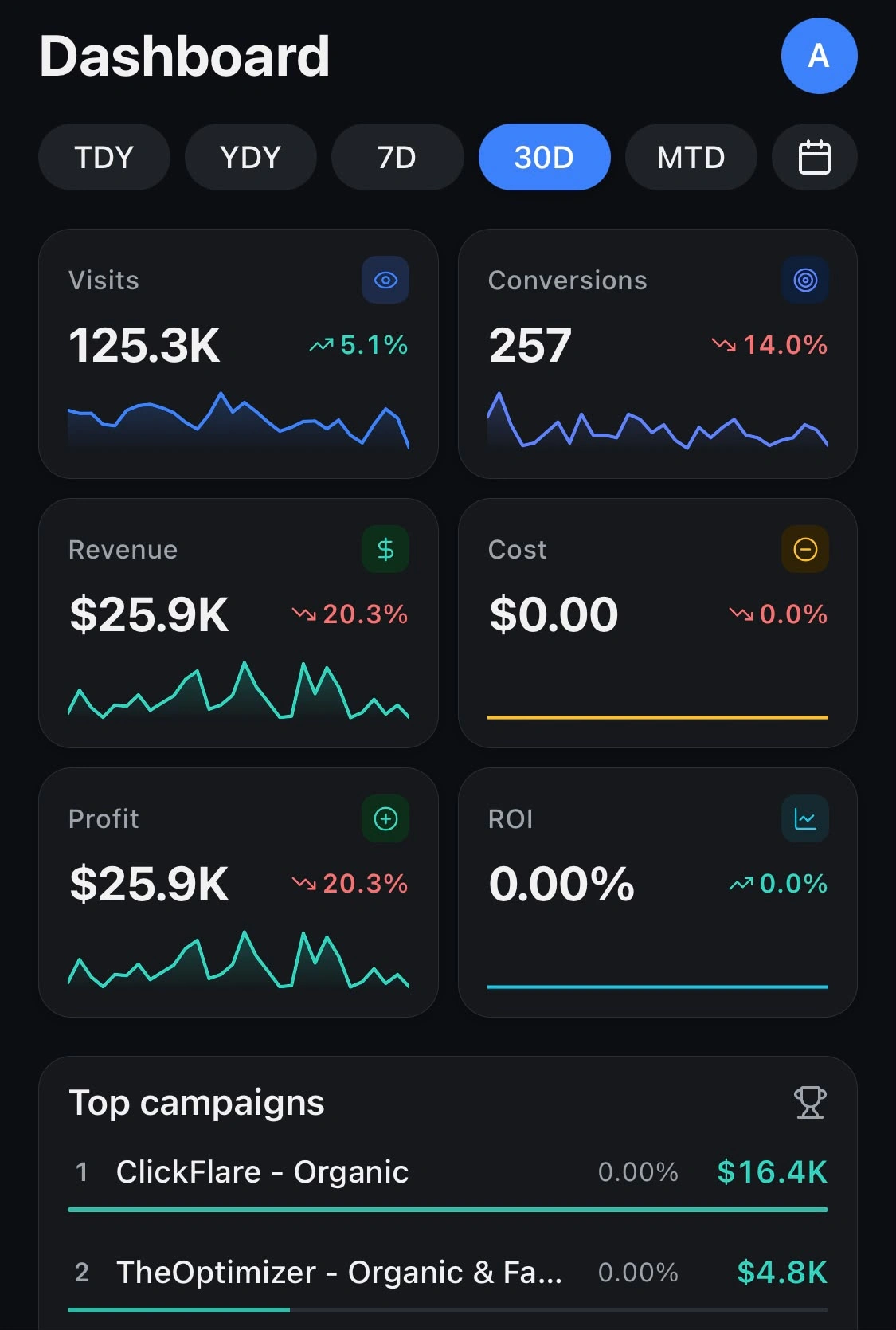
Instead of building a report to find out which campaigns, offers, landers, or traffic sources are actually making you money, the app surfaces your highest-profit performers automatically. Tap any row to drill down further into what's driving those results.
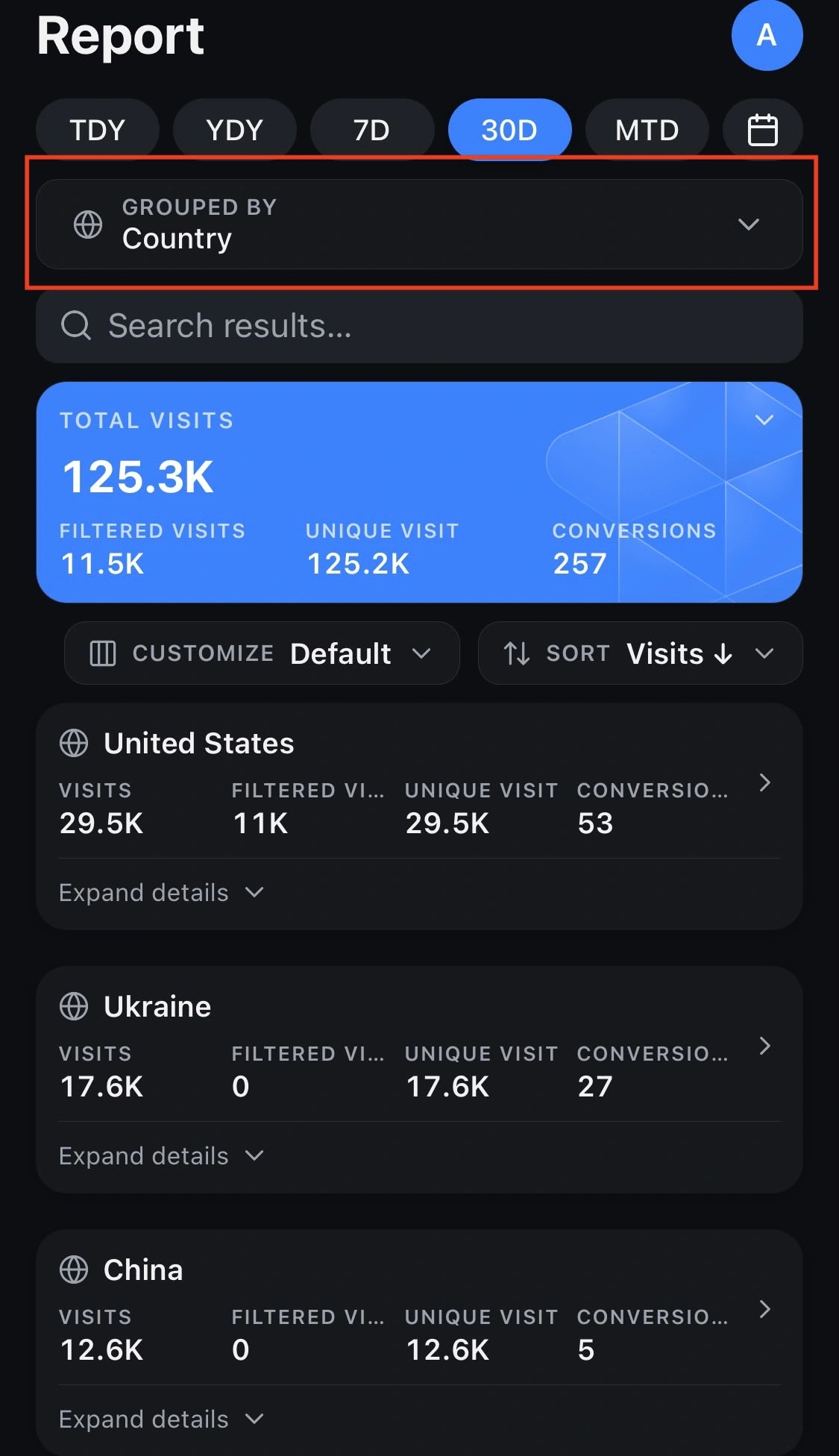
You can break down any dimension by any other, campaign by country, offer by device, source by hour, right from your phone. Filter, sort, search, and customize columns so you're only looking at the numbers that matter to you in that moment.
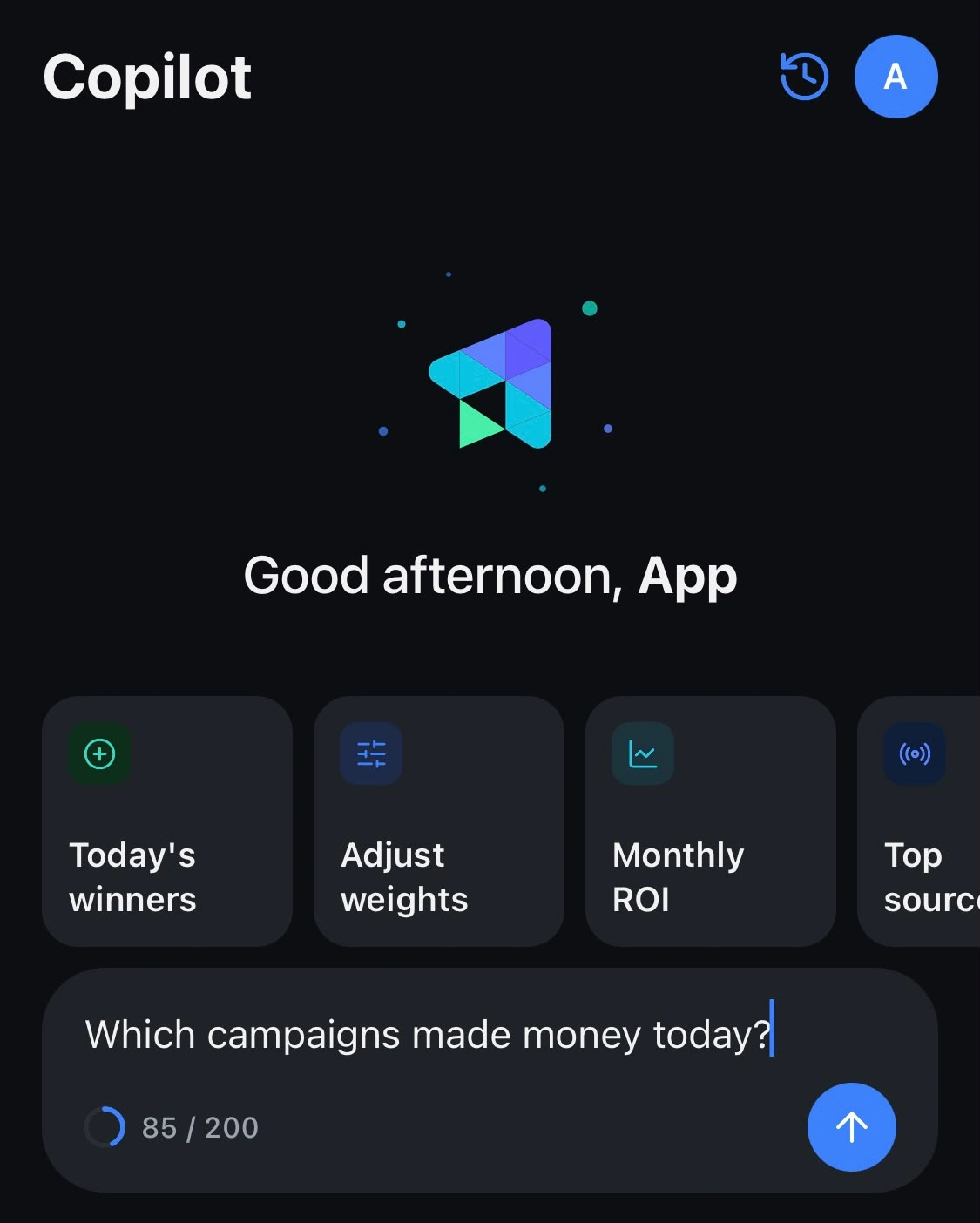
ClickFlare's AI Copilot is fully available in the mobile app. Ask it questions, such as which campaigns spiked this week, where your best ROI is coming from, or why profit dropped yesterday, and it answers using your live data. It also remembers the conversation, so you can keep digging into a problem without starting over from scratch every time you open a new prompt.
If you manage multiple accounts, clients, or workspaces, you can switch between them in two taps. There's no logging out and back in, and no separate app installs for separate accounts.
Your reporting timezone, currency, and timestamp preferences carry over exactly as you set them on desktop. There's nothing to reconfigure the first time you open the app.
The app follows your device's theme automatically, or you can set your own if you'd rather it stay one way regardless of your phone's settings.
The point of the ClickFlare app isn't to replace your desktop workflow, it's to fill in the gaps around it.
A few examples of where that actually plays out:
ClickFlare was built to give performance marketers, media buyers, and affiliates precision reporting without the wait. But precision only helps if you can act on it fast, and that means not being tied to a desk. Enough of our users asked for exactly this that it became one of the most requested items on our public feature roadmap. The ClickFlare mobile app puts the same data and the same drill-down power you rely on in the desktop dashboard into a format built for checking in on the go, whether that's between meetings, at the airport, or anywhere else your laptop isn't.
The ClickFlare app is a companion to your existing ClickFlare account, not a separate product with its own signup.
Already have a ClickFlare account? Download the app and log in with the same credentials you use on desktop. Your workspaces, settings, and data are all there waiting for you.
New to ClickFlare?
Create your account at clickflare.com, then download the app and log in. Every plan starts with a 14-day free trial, so you can test the app alongside the desktop dashboard before committing.
If you're an affiliate marketer checking on a single account between campaigns, a media buyer managing spend across several traffic sources, or an agency switching between client workspaces throughout the day, the ClickFlare app fits into whatever your day already looks like. You don't need to change how you track anything, you just stop needing a laptop to see it.
The ClickFlare app brings real-time KPIs, automatic top-performer ranking, full drill-down reporting, and the AI Copilot to iOS and Android, with settings that sync straight from your desktop account. If you already track your campaigns with ClickFlare, there's no setup involved, just download the app and log in. If you don't yet, this is as good a reason as any to start.
The app itself is free to download and comes included with your existing ClickFlare account at no extra cost. If you don't have an account yet, ClickFlare plans start with a 14-day free trial, so you can try the app and desktop dashboard together before paying anything.
No. The app is a companion to your existing ClickFlare account. Log in with the same credentials you use on desktop, and your campaigns, workspaces, and settings will already be there.
Yes. The ClickFlare app is live on the Apple App Store for iOS devices and on Google Play for Android devices, so it doesn't matter which platform your team uses.
Yes. You can ask it plain-English questions about your live campaign data, and it remembers the conversation as you go, so you can keep asking follow-up questions without starting over.
Yes. Your reporting timezone, currency, and timestamp preferences all carry over automatically from your desktop account, so there's nothing to reconfigure the first time you open the app.
The app is built as a companion to your desktop dashboard, not a full replacement for it. It's designed for checking KPIs, drilling into reports, and asking the AI Copilot questions on the go, so you're covered between the moments you're actually sitting at your laptop.






