

Black Friday came early. Early-access prices until Nov 8.Black Friday: early-access prices until Nov 8.Early-access price ends in0d00h00m00sClaim the deal


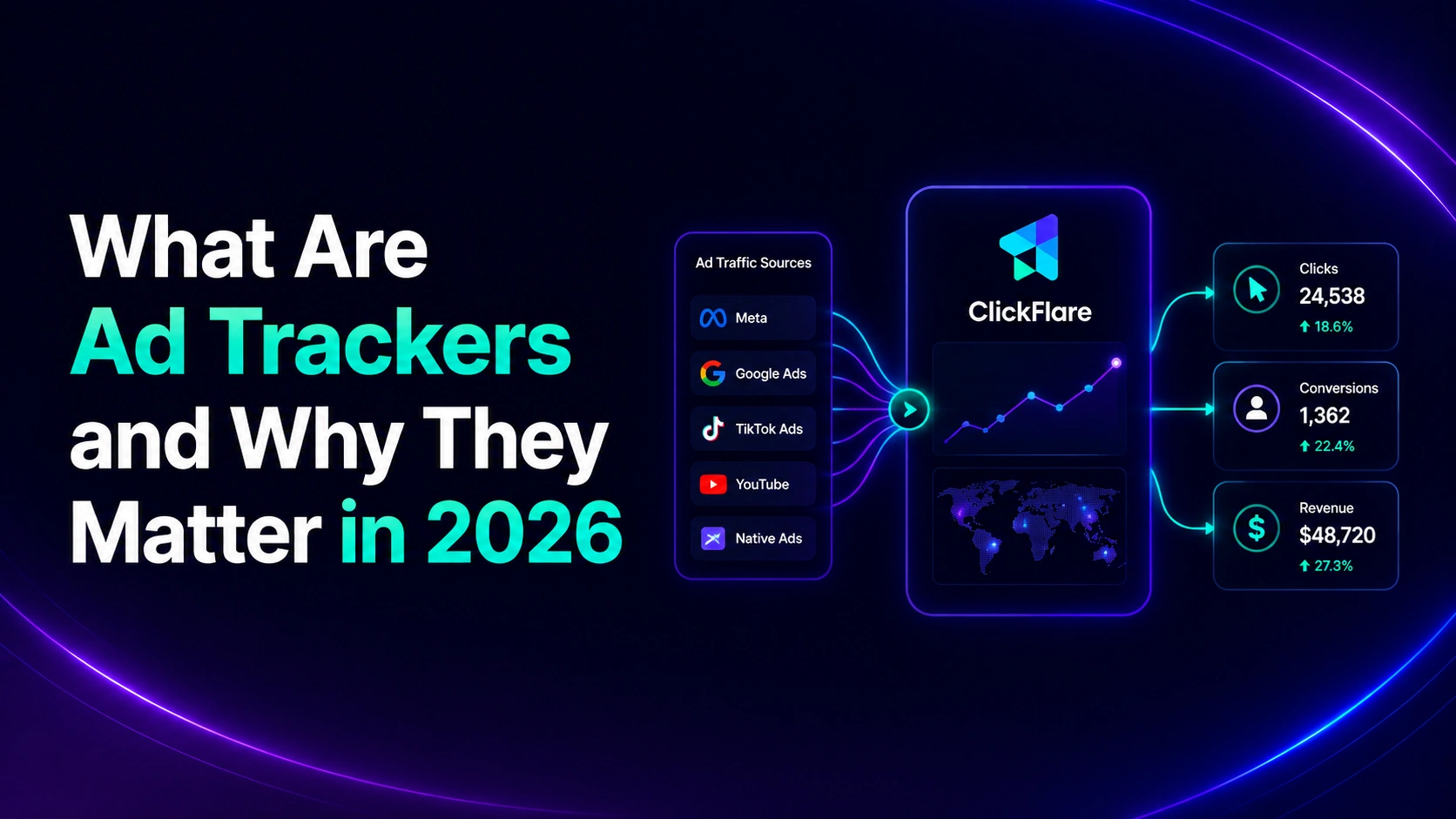

If you've ever wondered why an ad for the exact pair of shoes you looked at yesterday keeps following you around the internet, the answer comes down to ad trackers. So, what are ad trackers, exactly? They're the tools that record what happens after someone sees or clicks your ad, from a page view to a signup to a sale, so you know which campaigns are actually making you money.
Without them, you're stuck manually comparing numbers across Meta, Google Ads, your affiliate network, and a spreadsheet, and hoping they line up. In this guide, we'll break down what ad trackers are, the main types you'll come across, and how to pick the right one for your campaigns.
So, what are ad trackers? Ad trackers are tools that record how users interact with your ads, from the first impression to the final conversion. Each time someone views, clicks, or takes an action on an ad, an ad tracker logs that event and ties it back to the specific campaign, ad set, or traffic source that generated it.
In practice, "ad tracker" can mean two related things. It can refer to a single tracking mechanism, like a cookie or a pixel, that captures one piece of the puzzle. Or it can refer to a full ad tracking platform, a piece of software that combines several of these mechanisms into one dashboard so you can see cost, clicks, and revenue side by side.
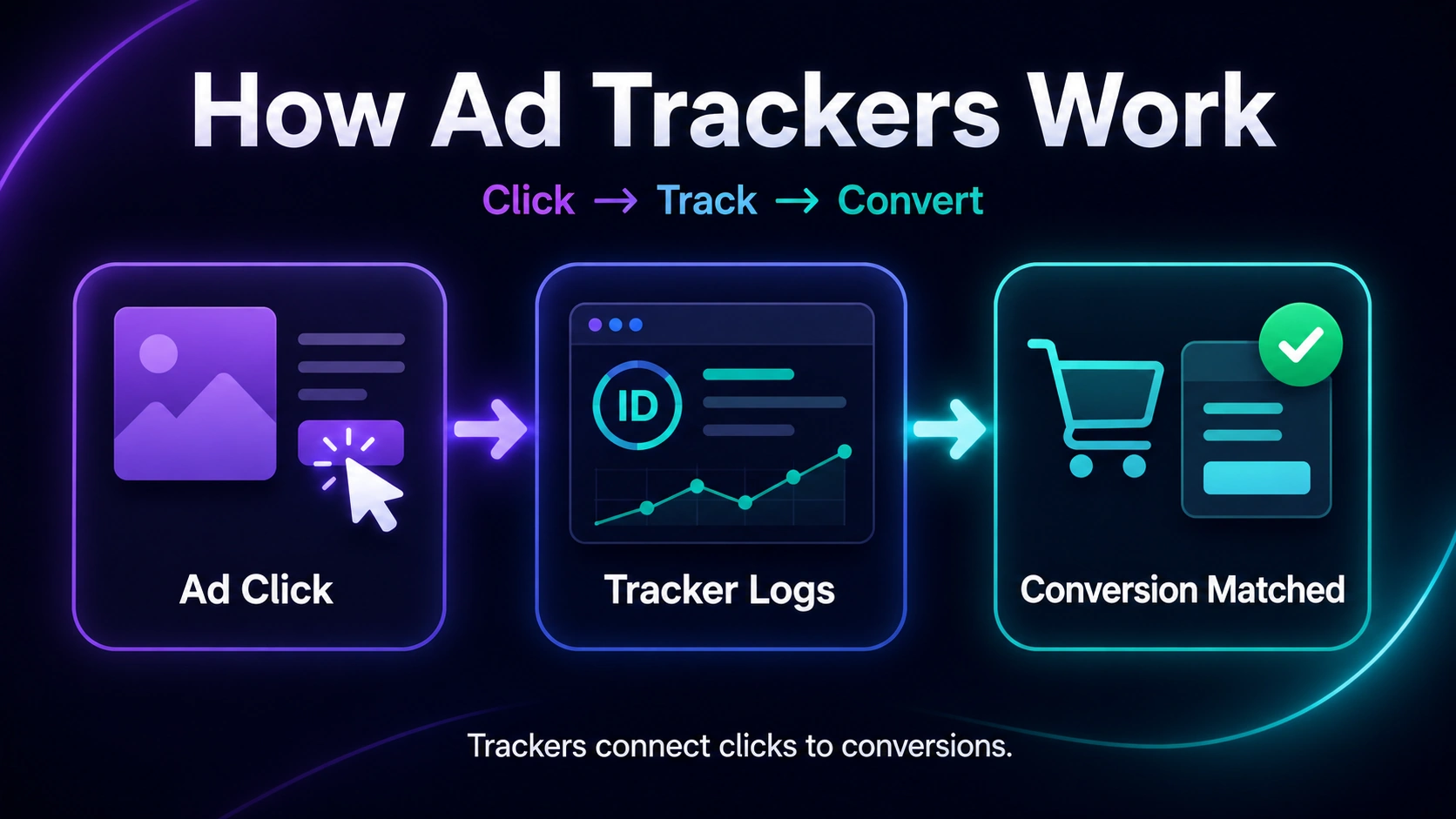
At a basic level, every ad tracker follows the same pattern: it assigns a unique identifier to a click or a user, then logs what that identifier does next.
Say someone clicks your ad on Facebook.
A tracking parameter gets attached to the URL, and that click is logged with details like the traffic source, campaign name, and timestamp.
If that same person later fills out a form or completes a purchase, the ad tracker connects that action back to the original click using the identifier, a cookie, a click ID, or a server-side postback. That connection is what lets you say "this specific ad, on this specific day, generated this specific sale."
The tricky part is that browsers, apps, and privacy regulations increasingly restrict how much of this journey can be tracked client-side (directly in the browser). That's why most modern ad trackers now combine several methods rather than relying on just one.
There isn't just one kind of ad tracker. Depending on where and how you're advertising, you'll likely use a combination of the methods below.
Cookies are small files a website saves to the user's browser. From an ad tracking perspective, cookies are what let you recognize a returning visitor and attribute a later purchase to an earlier ad click. They're also the backbone of most retargeting campaigns. The catch is that major browsers have been phasing out third-party cookies, which is a big reason server-side tracking has become the more reliable option.
A tracking pixel is a tiny, often invisible image placed on a webpage, in an ad, or in an email. When it loads, it sends a signal back to your tracker confirming that the page was viewed. Pixels are useful for measuring impressions and reach, but like cookies, browser restrictions can limit how much data they capture.
A tracking URL is a normal page link with an extra tracking token, usually a UTM parameter, added to the end. When someone clicks it, that token tells your tracker exactly which campaign, ad, or placement sent the click. This method works well for PPC, email, and any channel where you control the destination link.
Instead of relying on a cookie in the user's browser, postback tracking sends conversion data directly from one server to another. Because it doesn't depend on the browser at all, it isn't affected by ad blockers, cookie restrictions, or app tracking limits. This is the standard method for affiliate offers and is quickly becoming the default for most serious advertisers. If you want the full breakdown of how this works, our guide on what a postback URL is covers it step by step.
A Conversion API sends conversion events straight from your server to an ad platform's server, such as Meta or Google Ads, bypassing the browser entirely. This helps ad platforms optimize toward real conversions instead of modeled or incomplete data, which is especially important since iOS privacy changes and cookie restrictions started creating gaps in what platforms can see on their own.
Fingerprinting identifies a device by combining details like browser type, operating system, screen resolution, and time zone into a unique profile. It's mostly used as a backup attribution method or for fraud detection, since it doesn't rely on cookies or IDs that a user can clear or reject.
If you're only checking the numbers each ad platform shows you, you're seeing an incomplete, and sometimes inaccurate, picture.
Ad trackers matter for a few concrete reasons:
This is also why mismatched numbers between platforms are such a common issue. If you've ever seen 40 conversions on Meta, 55 on your affiliate network, and 52 on your tracker for the exact same campaign, our breakdown of why conversions don't match across platforms explains what's usually causing it.
A single ad tracker, like one pixel or one tracking URL, only captures one part of the customer journey. Ad tracking software, on the other hand, is a dedicated platform that combines multiple tracking methods (pixels, postbacks, Conversion APIs, tracking links) into one system, then reports on all of it in a single dashboard.
For anyone running paid traffic across more than one network or affiliate program, dedicated software is usually worth it. Instead of stitching together data from several tools, you get cost, clicks, and revenue in one place, along with the server-side tracking needed to stay accurate as browser and privacy restrictions tighten. If you're comparing options, we put together a breakdown of the best ad tracking software in 2026 that walks through pricing, integrations, and who each tool is actually built for.
Ad tracking doesn't happen in a vacuum. Under regulations like the GDPR, websites need a clear legal basis, usually explicit consent, before they can set non-essential cookies or use them for advertising purposes. You can find the full breakdown of what that requires on GDPR.eu's guide to cookies.
At the same time, browsers have been phasing out third-party cookies, and mobile operating systems have added their own tracking restrictions. Both changes push advertisers toward first-party, server-side tracking methods like postbacks and Conversion APIs, since those don't depend on a cookie surviving in someone's browser. In practice, this means the "best" ad tracker today is rarely a single client-side method. It's a setup that blends server-side tracking with API-based integrations so your data holds up regardless of what happens on the browser or device side.
Not every ad tracker fits every use case.
A few questions to ask before picking one:
If you want a more AI-assisted way to make sense of all this tracking data once it's flowing in, it's worth reading about how AI ad tracking software can speed up campaign analysis.
So, what are ad trackers, in short? They're the mechanisms, from cookies and pixels to postbacks and Conversion APIs, that let you connect an ad click to what happens afterward.
Understanding the different types, and how they work together, is what separates advertisers who know exactly which campaigns are profitable from those who are still guessing. If you're managing traffic across more than one network, a dedicated ad tracking platform that combines these methods will save you far more time than piecing it together manually.
Ad trackers are used to record how users interact with ads, from clicks and views to conversions, so advertisers can measure performance, attribute sales to the right campaigns, and optimize where their ad budget goes.
No. Cookies are one type of ad tracker. Others include tracking pixels, tracking URLs, postbacks, and Conversion APIs, each capturing a different part of the user journey.
Cookie-based trackers can usually be blocked through browser settings, privacy extensions, or opting out in a cookie consent banner. Server-side methods like postbacks are harder to block since they don't rely on the browser at all.
Yes, but non-essential tracking cookies require the user's explicit, informed consent before they're set. Server-side tracking still involves personal data and needs its own legal basis, so consent and data-handling practices still apply.
An ad tracker is usually one tracking mechanism, like a pixel or a postback. Ad tracking software combines several of these methods into one platform so you can manage and report on all your campaigns from a single dashboard.






