Built-in variables are a special category of variables that are predefined and cannot be customized. When you create a new container, it initially contains no user-defined variables, but some built-in variables are already enabled. These enabled built-in variables are accessible across ClickFlare Tag Manager whenever variable selection menus are present. You can access the list of built-in variables, directly from the tags or triggers’ section of the container. To check built-in variable from tag configuration:
  1. Click on + New Tag
  2. Select a tag configuration, like Custom Event for example
  3. Next to the variable placeholder, click on the ”+” symbol
  4. Go through the list of built-in variables
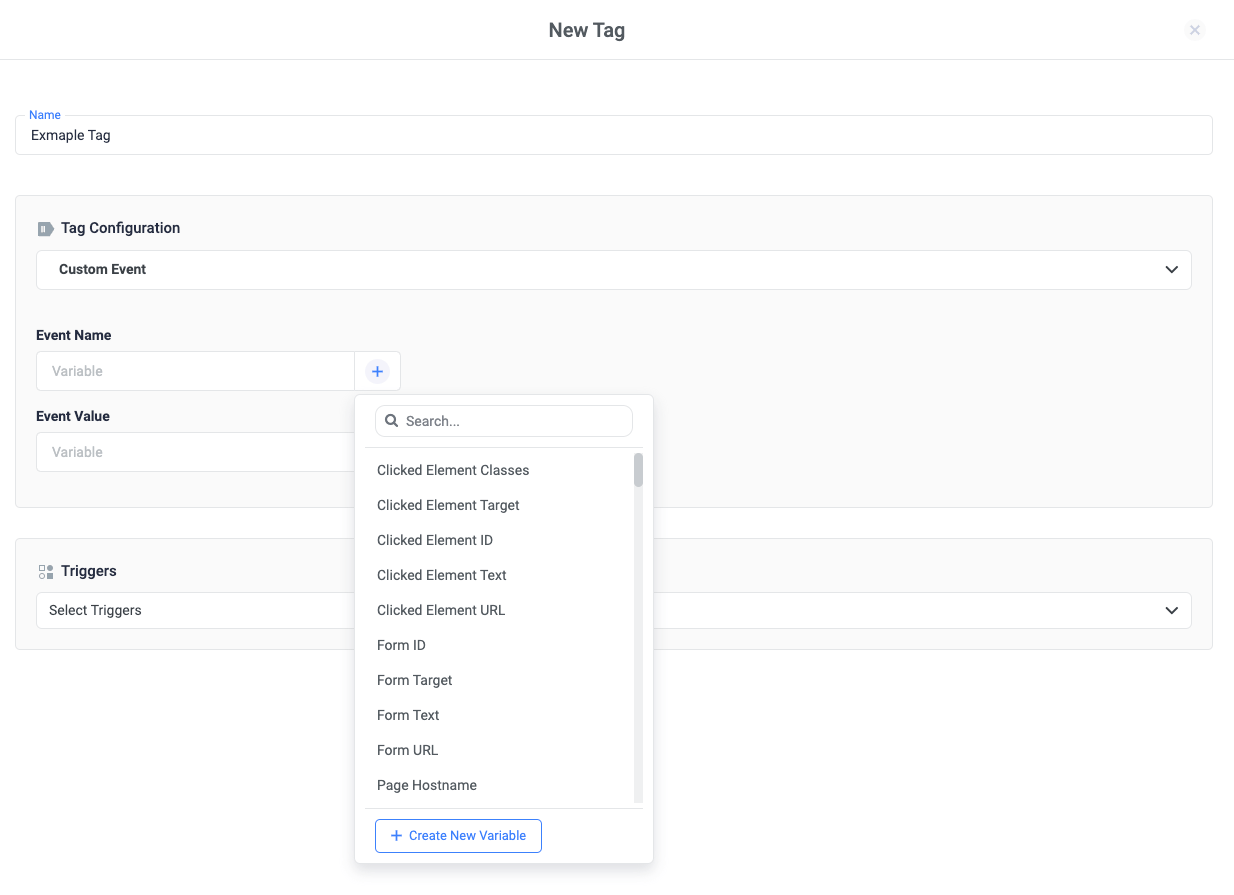
Go through the list of built-in variables You can do the same from the trigger’s configuration. Related Sources: