

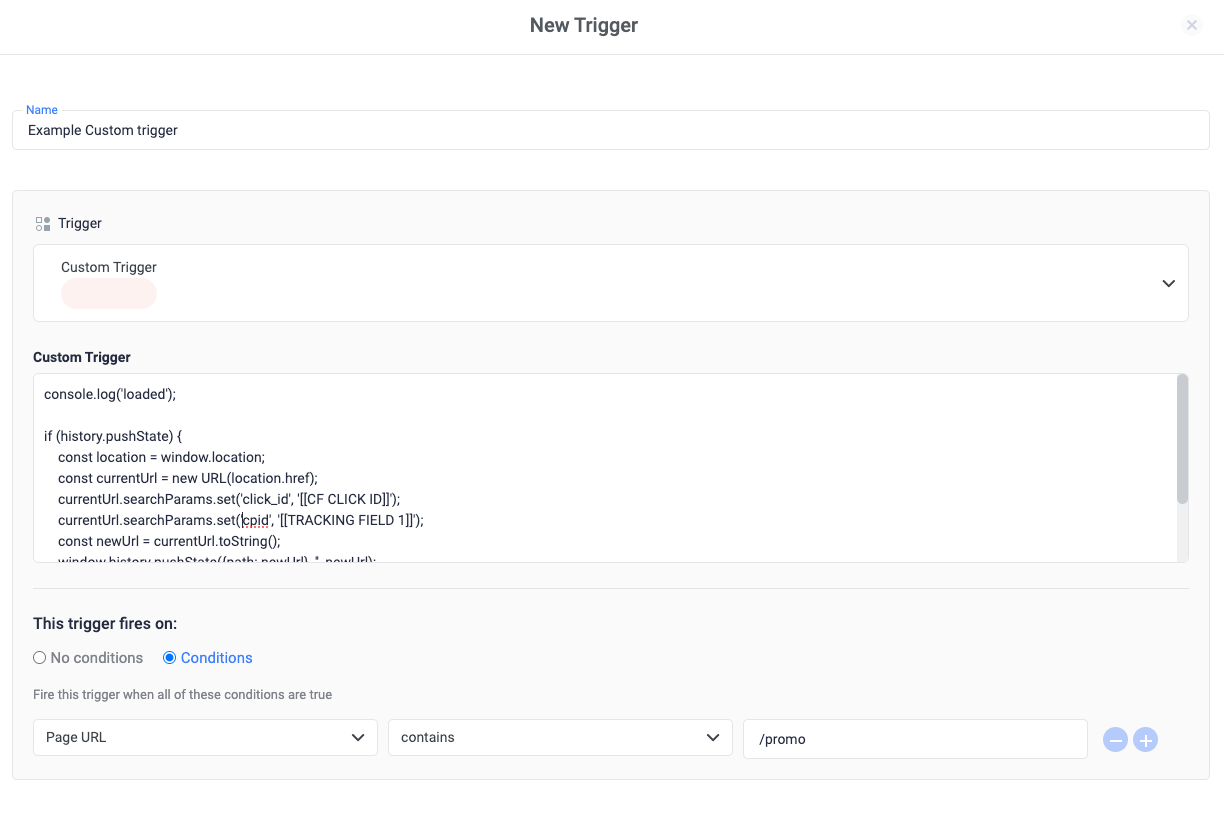
- Click Triggers > New.
- Click Trigger Configuration and choose the Custom Trigger type.
- In the custom trigger form enter your custom JavaScript code
- Under the heading “This trigger fires on”, select “Conditions”. Under “Fire this trigger when an Event occurs and all of these conditions are true”, select a condition for when the custom JavaScript should fire.
- Save the trigger and publish the container.
Related Sources
- Trigger types
- How triggers work
- Tag types