

- To learn how to create a custom conversion, click here. You can create multiple ones to register and see how many conversions per type there are. This is particularly useful when an affiliate network differentiates your payment based on the conversion type.
- After defining your custom conversions in ClickFlare, you can add the traffic source postback URL per event type when creating or modifying a traffic source.
- Begin by creating (or editing) a traffic source. Follow this guide on how to add a traffic source to ClickFlare.
-
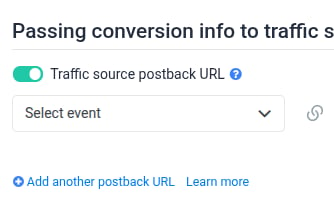
Key in the process is to toggle on the **Traffic source postback URL for Custom Conversion.
 **
**
- Click on Add another postback URL, to add your desired number of events.
-
Select your event from the list of existing ones, which you have defined in Custom Conversions.
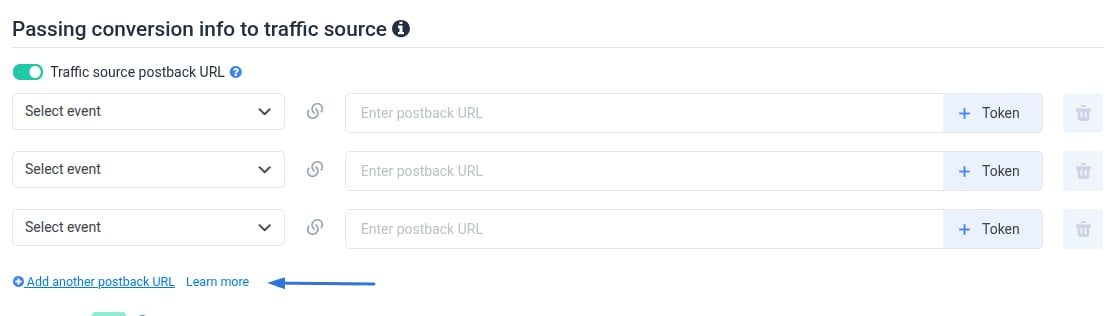
- As you can see from the image above, you have to provide the traffic postback URLs that your traffic source sends to track the custom conversions for your campaign. For each event type, a postback URL will be delivered back to your traffic source.
Tip: You can add parameters with corresponding tokens to the URL. All ClickFlare custom traffic source postback URLs can contain parameters & their tokens.
- Once done, click Save.