

Note:
If you want to track traffic from other sources, such as paid redirects or direct links, you’ll need to create a separate campaign. See Campaigns: What They Are and How They Work to learn more.How Direct Tracking Works
Before creating a campaign, it’s helpful to understand how direct tracking works:- When a visitor clicks a direct tracking URL, the campaign ID is passed to the tracking script via the cpid parameter.
- The script then correctly registers the visit in ClickFlare.
Tracking Paid Traffic (Optional)
If you want to track both organic and paid traffic, you should:- Create a separate campaign for each traffic type.
- Consider using different traffic sources for organic and paid campaigns.
- Name your campaigns clearly so you can easily distinguish them.
Getting Started
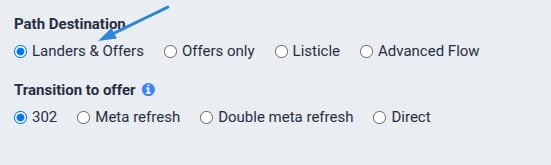
Creating an organic campaign and obtaining the tracking script in ClickFlare is simple and can be done in a few clicks.- Create a new campaign and add a landing page to your funnel.
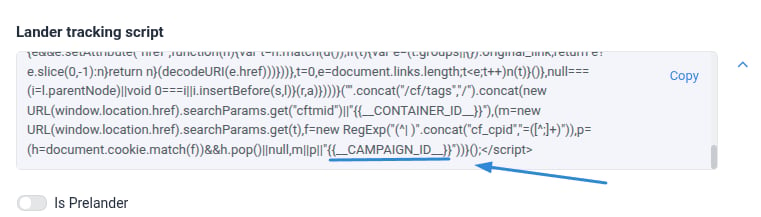
- ClickFlare will generate a direct tracking script for your campaign.
Adding the Script to Your Landing Page
- Open your landing page HTML.
- Paste the tracking script at the bottom of the </body> section of your page.