

Pricing Plan Details
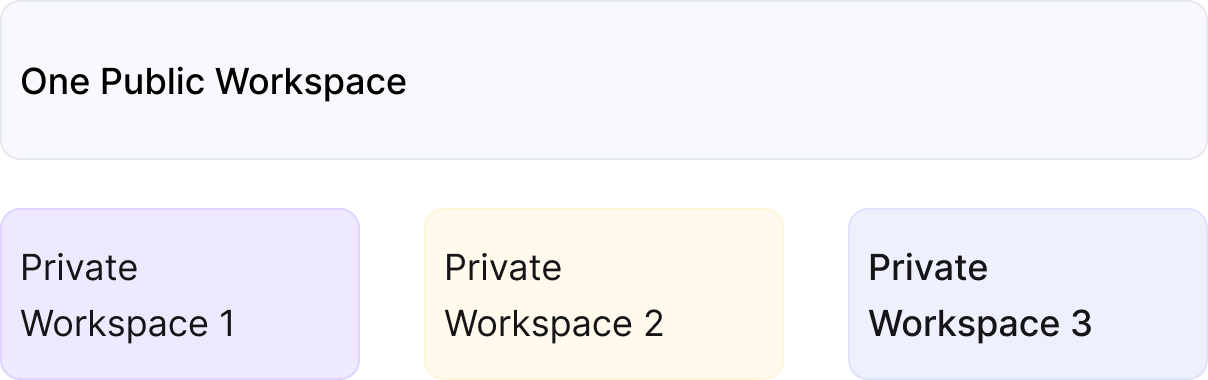
Workspaces are accessible across all pricing plans; however, higher-tier plans include additional workspaces. To explore the features included in each plan, check the ClickFlare Pricing Page. Consider upgrading your plan for enhanced features and expanded usage parameters.
- Adaptability: Adjust your priorities by reallocating users to different Private Workspaces, ensuring uninterrupted campaign funnels. Whether changing roles or collaborating with a partner, the adaptability of Workspaces accommodates your evolving needs.
- Effective Collaboration: Simplify collaboration by inviting associates to a single ClickFlare account, assigning them to Private Workspaces for daily collaboration, and providing insights into shared campaign funnels.
- Seamless Scalability: Easily scale up your projects by creating new Workspaces, categorizing campaign funnels, and assigning workers. The scalable approach allows seamless expansion for new categories.
- Focus Enhancement: Organize associates’ work into dedicated Workspaces, enabling focused attention on specific campaign funnels without distractions.
- Operational Boost: Accelerate campaign management by providing access to different campaign funnels managed by various groups simultaneously. This parallel collaboration speeds up projects, while ensuring users see only relevant data.
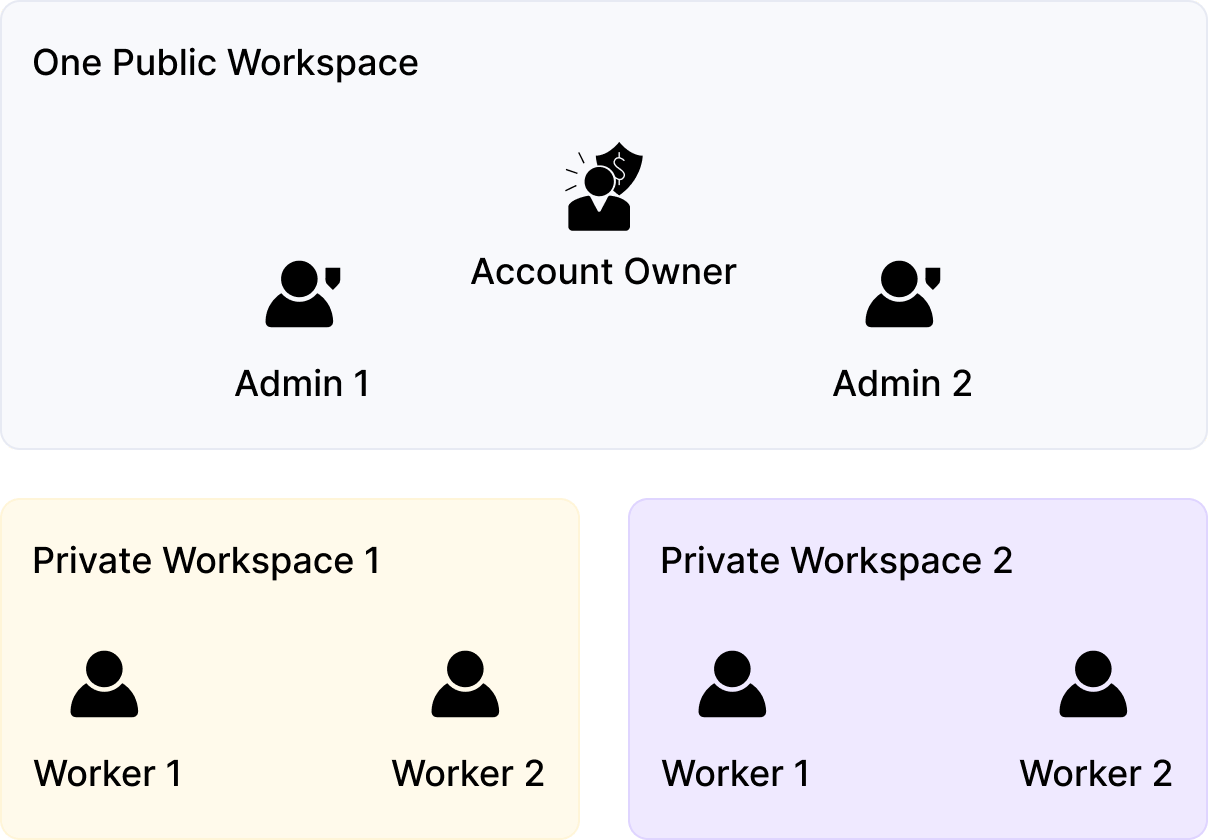
- Account Owner (Ownership Role): Holds all permissions in ClickFlare, providing complete access to information and elements.
- Admin (Administrative Role): Collaborates with all users, monitors campaign performance in all Workspaces, and has full access to elements and most settings.
- Worker (Operational Role): Manages campaign funnels within assigned Workspaces, limited to read-only permissions for essential areas.
Note:
Similar to campaign elements, you can assign CAPI, cost, or Revenue Stream integrations exclusively to specific workspaces, whether they are private or public. The creation of such integrations is limited to the Account Owner or the Admin. Other roles will have the ability to view and utilize integrations within their workspace but won’t be able to create new ones or edit existing ones
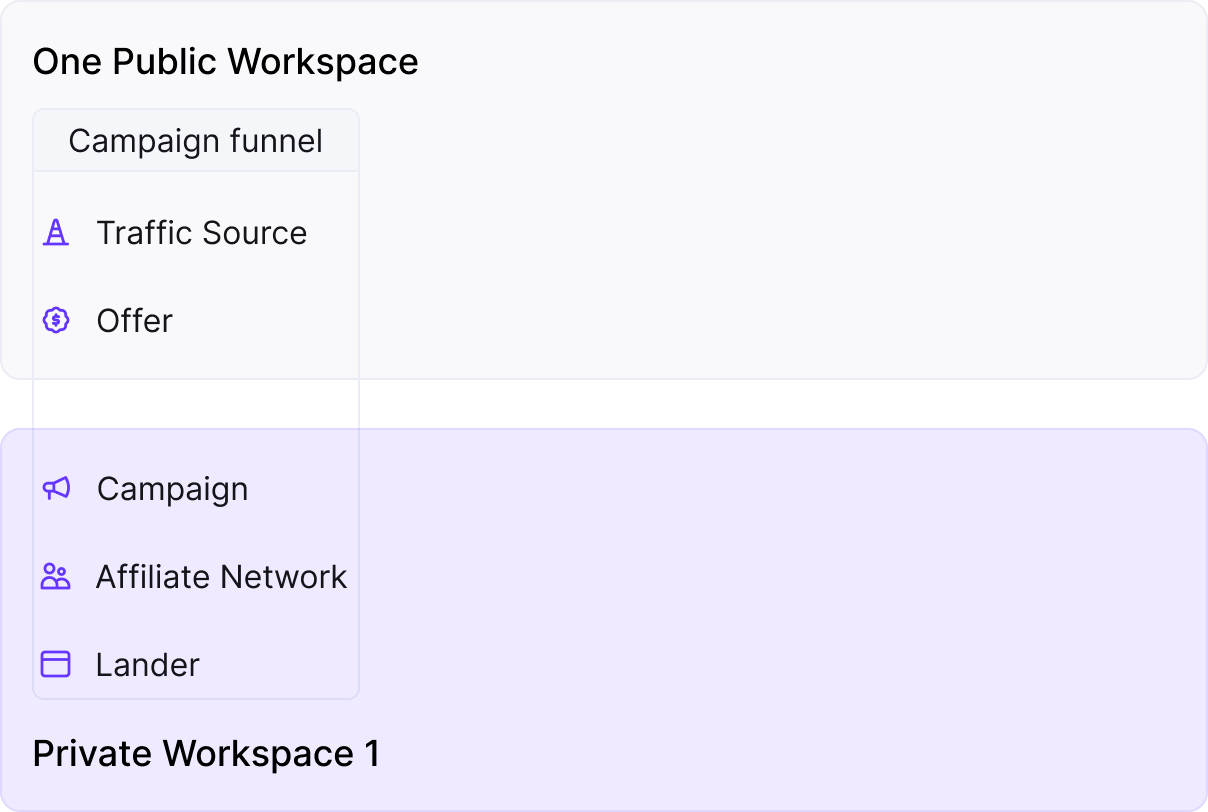
How do I transfer an offer that’s currently in use in Campaign A (Private Workspace A) to the new Private Workspace B?Offers and other components can be linked to either a public workspace or one of several private workspaces. Elements from public workspaces can be employed in multiple campaigns, while those tied to a private workspace are limited to use within that workspace. To use an element in another workspace, unassign it from a campaign and modify its workspace.