

Tip: For an additional layer of security, we recommend periodically generating new access keys.
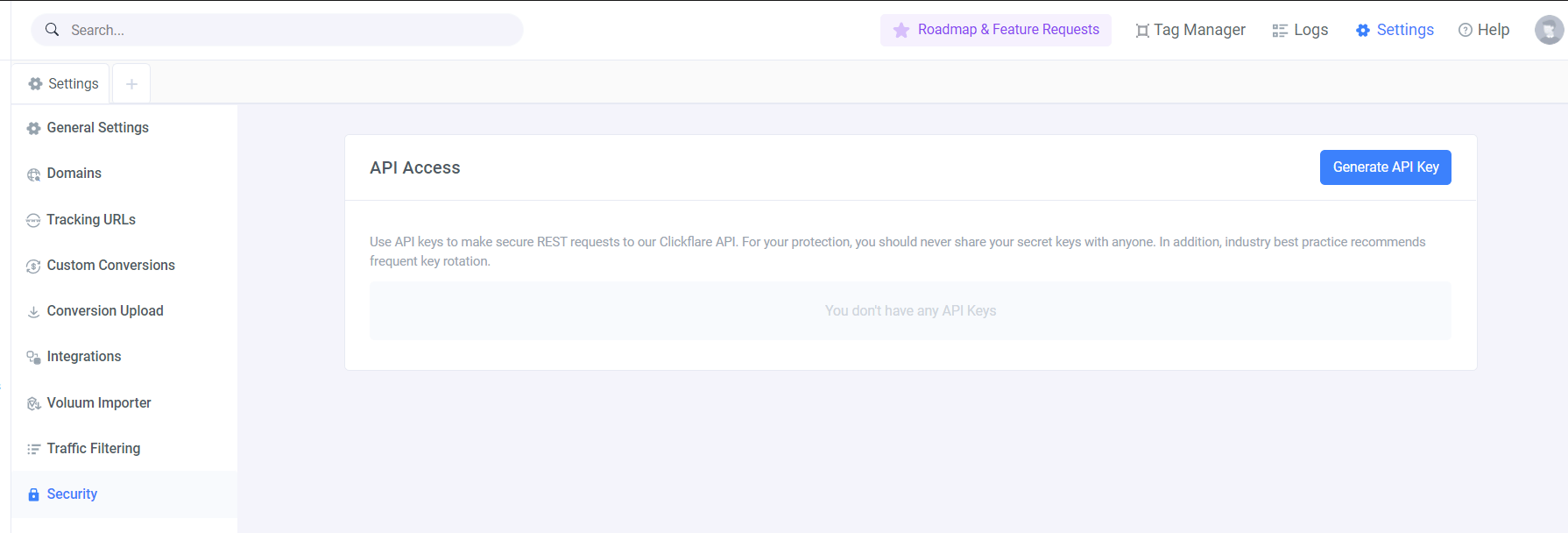
- To generate an API key, begin by accessing the Settings Menu inside ClickFlare.
-
At the bottom of the sidebar, select Security.
-
Then click on Generate API Key.
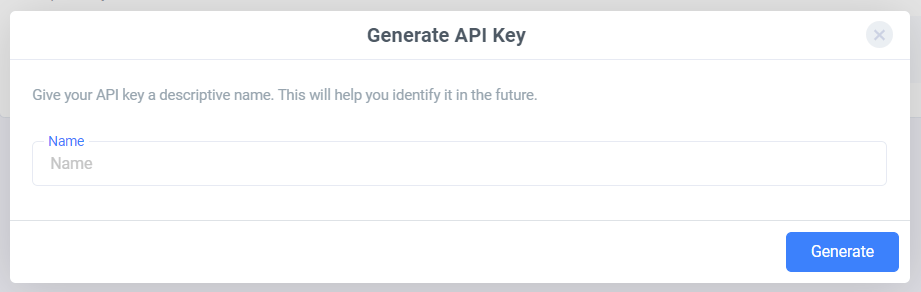
- After naming your key, end the process by clicking Generate.
Note: Make sure to copy your newly generated key and paste it in a secure place.